


Digital marketing involves a lot of small tasks: checking competitors, reviewing SEO elements, researching keywords, analysing websites, taking screenshots, and sharing findings with clients. Doing each task manually can quickly turn a 10-minute job into 30 minutes.
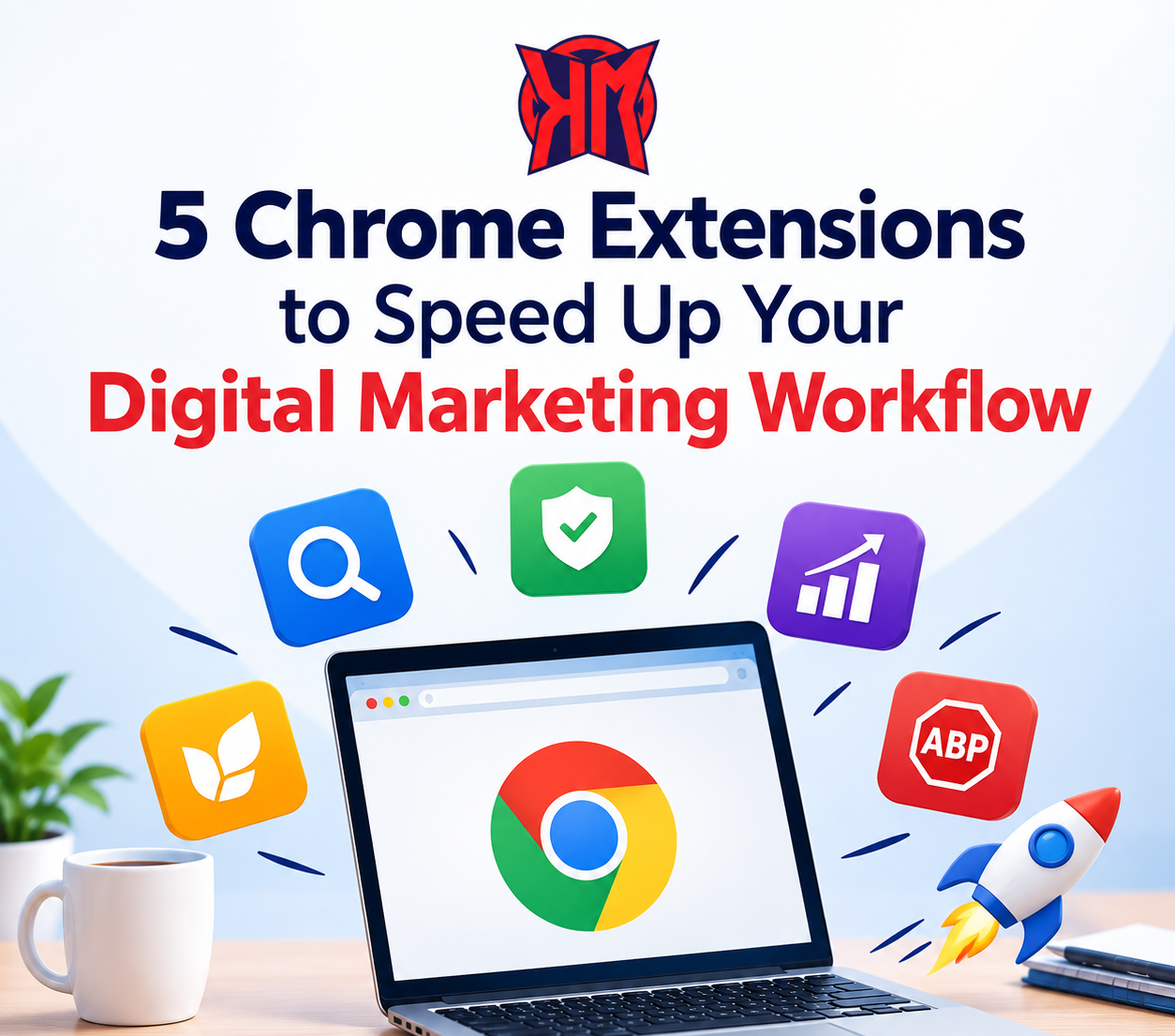
The right Chrome extensions can reduce that friction by bringing useful information directly into your browser. Here are 5 Chrome extensions that can make everyday marketing work faster and more organised.
1. SEO Meta in 1 Click – Quick On-Page SEO Checks
When reviewing a website, marketers often need to check the title tag, meta description, headings, image alt text, canonical URL and other on-page elements.
SEO Meta in 1 Click puts many of these details in one place, making it useful for quick website reviews and content audits.
Useful for:
- Checking title and meta description
- Reviewing H1–H6 headings
- Checking image alt attributes
- Reviewing canonical information
- Quickly understanding a page’s SEO structure
For an agency team handling multiple websites, this can save a considerable amount of repetitive checking.
2. Keyword Surfer – Faster Keyword Research
Keyword research doesn’t always require opening a complete SEO platform. Keyword Surfer can provide keyword-related information directly within Google search results, including search-volume estimates and related keyword ideas.
This makes it particularly useful when you’re exploring a new topic and want quick insights before moving into deeper research.
Example:
If you’re researching digital marketing agency in Patiala, you can quickly explore related searches and understand how people are searching around the topic.
Remember that extension-based search-volume figures should be treated as directional data rather than exact numbers.
3. Wappalyzer – Understand How Competitor Websites Are Built
Ever visited a competitor’s website and wondered what technology they are using?
Wappalyzer helps marketers identify technologies used on websites. This can be useful during competitor research, website planning and client audits.
You might discover technologies related to:
- CMS platforms
- Analytics
- Advertising tools
- Marketing technologies
- E-commerce systems
- Other website technologies
For a Digital Marketing Agency in Punjab, this can be particularly useful when comparing local competitors and understanding how different businesses have built their online presence.
4. Grammarly – Improve Content Before Publishing
Digital marketers write constantly—blog posts, ad copy, emails, social media captions, reports and client communication.
Grammarly can help identify grammar, spelling, clarity and writing issues while working inside the browser.
It’s especially useful when you’re moving quickly between:
- Google Docs
- Social platforms
- CMS dashboards
- Client communication
Good marketing isn’t only about ranking or clicks. Clear communication builds trust, so polishing content before publishing can make a real difference.
5. Loom – Explain Instead of Typing Everything
Sometimes a five-minute screen recording is easier than writing a long explanation.
Loom can be useful for marketers when they need to show a client or team member:
- A website issue
- An SEO recommendation
- A campaign change
- A reporting dashboard
- A design revision
- How to complete a particular task
Instead of writing, “Go to this page, click here, then check this section…”, you can simply record your screen and explain it.
For agency workflows, this can make internal communication and client collaboration much smoother.
How These Extensions Can Improve Your Workflow
The real benefit isn’t having dozens of extensions installed. It’s choosing tools that remove unnecessary steps from your daily work.
For example:
Keyword research → Keyword Surfer
On-page checking → SEO Meta in 1 Click
Competitor technology research → Wappalyzer
Content editing → Grammarly
Client explanations → Loom
This creates a simple browser-based workflow without constantly jumping between different platforms.
However, avoid installing every extension you come across. Too many active extensions can create browser clutter, consume resources and sometimes introduce unnecessary permission or privacy concerns. A smaller, focused toolkit is usually more practical.
How Kamal Media Uses a Practical Digital Marketing Approach
For businesses looking to improve their online visibility, tools are only one part of the process. The important part is knowing what to analyse, what the data means, and what action should come next.
Kamal Media is a Digital Marketing Agency in Patiala, helping businesses with digital marketing, SEO, social media, website designing and other online marketing services.
As a Digital Marketing Agency in Punjab, Kamal Media focuses on combining the right strategy with practical execution rather than relying on tools alone.
Work Smarter With the Right Tools
Chrome extensions won’t replace a good digital marketing strategy—but they can make the everyday work behind that strategy much faster.
The goal isn’t to install 20 or 30 tools. Start with a few that solve real problems in your workflow, learn how to use them properly, and remove extensions that don’t actually save you time.
The best marketing workflow is not the one with the most tools. It’s the one that gets better work done with less unnecessary effort.