
Getting visitors to your website is only half the job. What really matters is whether those visitors take the next step and contact your business. Many people browse service pages, check products, compare options and then leave without filling out a contact form or making a call.
One simple way to make that process easier is by adding WhatsApp as a direct communication option.
Customers are already familiar with using WhatsApp to ask questions, request details and discuss services. When they find a convenient way to contact your business directly from your website, starting a conversation becomes much easier.
However, simply adding a WhatsApp button isn’t enough. Its placement, message, website experience and overall customer journey all influence whether visitors actually use it.
Here are practical ways to get more WhatsApp enquiries from your website and turn website traffic into meaningful business conversations.
1. Add a Visible WhatsApp Button to Your Website
The first step is making it easy for visitors to find your WhatsApp contact option. If someone has to search through multiple pages to find your number, they may leave before getting in touch.
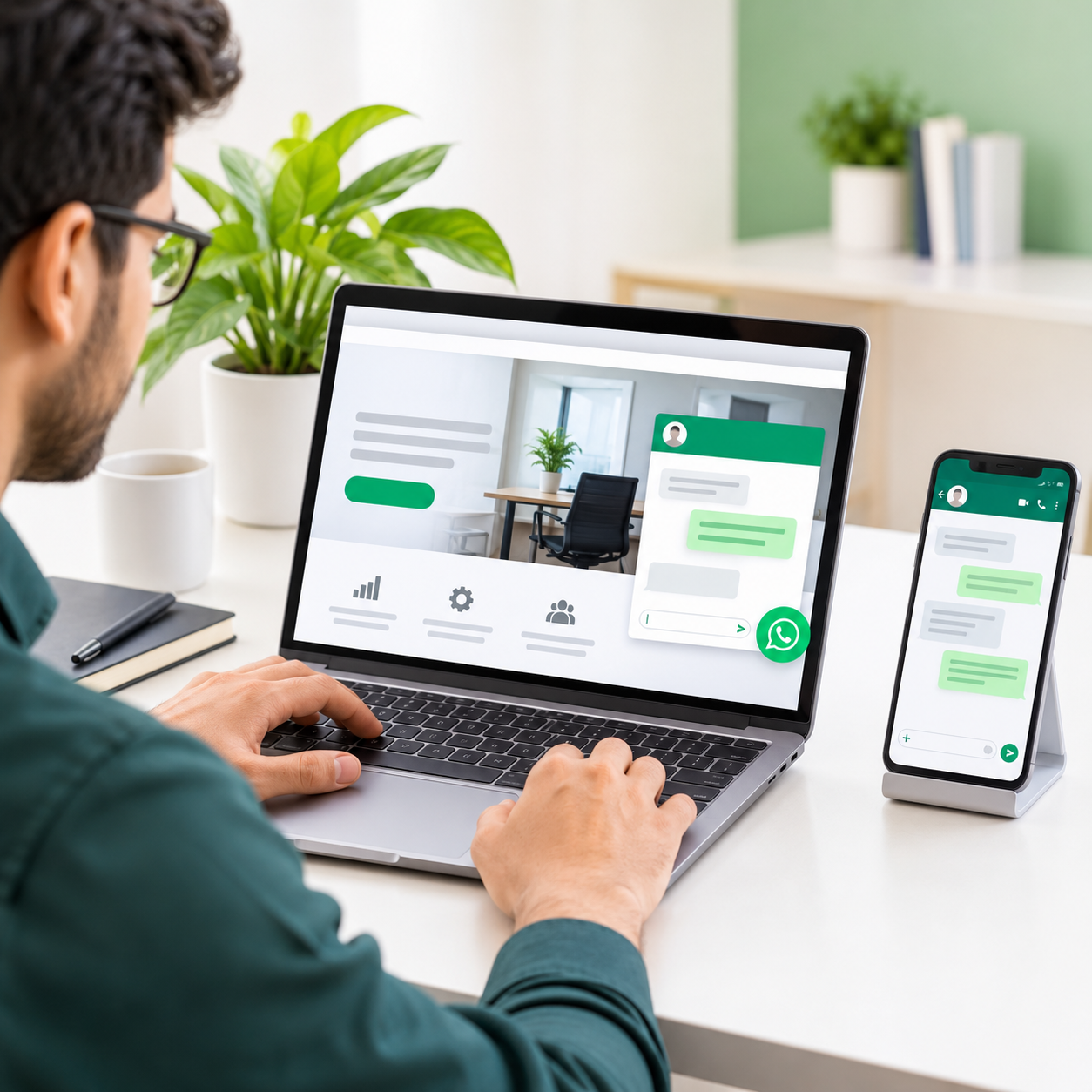
Place a WhatsApp button in visible areas of your website, such as the header, contact section and relevant service pages. A floating WhatsApp button can also help visitors reach you while browsing different sections.
Keep the button text simple and action-oriented. Phrases such as “Chat With Us”, “Ask a Question” or “Get Service Details” make the next step clear.
For businesses investing in professional website designing, WhatsApp integration should be considered during the website planning stage rather than treated as an afterthought.
2. Place WhatsApp Buttons on Relevant Service Pages
Not every website visitor has the same requirements. Someone exploring website designing may want to discuss a new project, while someone viewing a product catalogue might need specifications or availability details.
That’s why adding the same generic contact button everywhere isn’t always the best approach.
Make your WhatsApp call-to-action relevant to the page.
For example:
- Website designing page: “Discuss Your Website Project”
- Digital marketing page: “Ask About Digital Marketing”
- Product page: “Enquire About This Product”
- Service page: “Get More Service Details”
Relevant messages help visitors understand what will happen after clicking the button. They also give your business a better idea of what the customer is interested in.
3. Use Pre-Filled WhatsApp Messages
A visitor might be interested in your service but unsure what to write. Giving them a starting point removes that small barrier. A pre-filled WhatsApp message can automatically include a short enquiry when someone clicks the website button.
For example:
“Hello, I visited your website and would like to know more about your services.”
You can also customise messages according to individual pages. Someone visiting a website development page could start with a message about their website requirements.
Keep these messages short and natural. The purpose isn’t to make the conversation sound automated; it’s to help customers start it without thinking too much.
4. Make Your Website Mobile-Friendly
A large number of customers browse business websites through their smartphones. If your website is difficult to navigate on a smaller screen, visitors may struggle to find your WhatsApp button or read important information.
Check whether buttons are easy to tap, text is readable and pages fit properly on different screen sizes. Also pay attention to website loading speed. A slow website can interrupt the browsing experience, particularly when visitors are trying to contact you.
A properly planned website should combine responsive design, simple navigation and accessible contact options. These elements are important parts of a website built to generate enquiries rather than simply display business information.
5. Give Visitors a Reason to Contact You
A WhatsApp button works better when visitors understand why they should click it. Instead of placing a button without any supporting information, explain what customers can discuss through WhatsApp.
For example, you can invite visitors to:
- Ask questions about your services.
- Request product information.
- Discuss their project requirements.
- Understand available service options.
- Get help choosing the right solution.
Your website content should answer basic questions before encouraging visitors to contact you. This makes the conversation more useful for both sides.
A clear marketing strategy also helps connect your website content with customer needs. This is where digital marketing services can support your broader lead generation efforts.
6. Build Trust Before Asking for an Enquiry
People are more likely to contact a business when they understand what it offers and feel confident about its credibility.
Your website should clearly explain your services, business background and the type of customers you work with. Relevant project examples, genuine customer reviews and useful service information can also help visitors make an informed decision.
Avoid filling every section with sales messages. Give visitors enough information to understand your business first.
Consistent branding also matters. A professional website, clear communication and a recognisable social media presence create a more connected experience.
Businesses can strengthen this experience through planned social media marketing, which helps maintain consistent brand communication across online platforms.
7. Track WhatsApp Clicks and Website Enquiries
Getting more WhatsApp clicks is useful, but understanding what happens after those clicks is even more important.
Set up event tracking to measure how often visitors click your WhatsApp buttons. You can use Google Tag Manager and Google Analytics 4 to record these interactions as website events.
Track performance across different pages to identify which services generate more interest.
For better reporting, compare:
- WhatsApp button clicks.
- Contact form submissions.
- Phone enquiries.
- Traffic sources.
- Landing pages generating enquiries.
Remember, a WhatsApp click does not automatically mean a qualified lead or a completed sale. Follow up on actual conversations to understand how many clicks turn into genuine business opportunities.
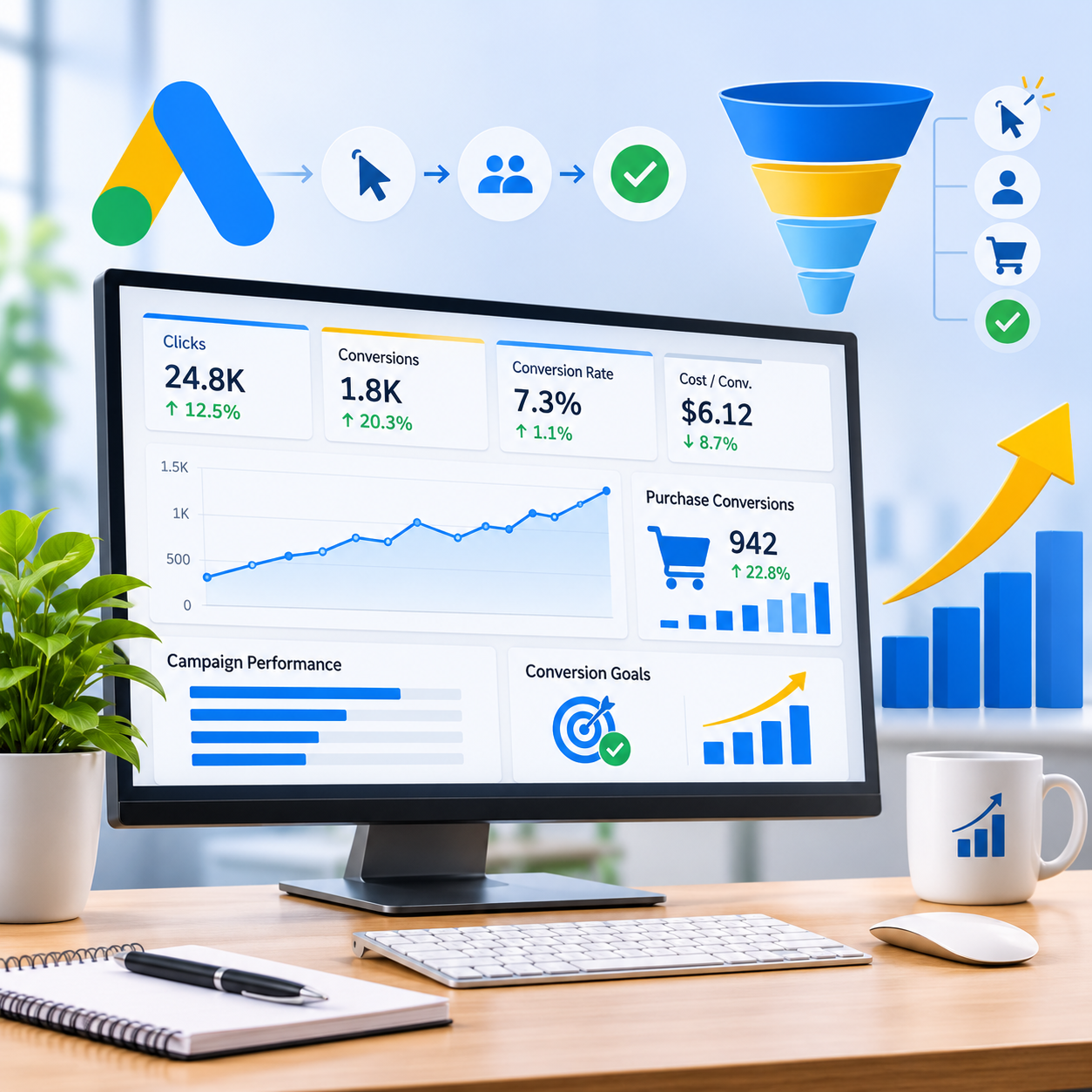
If you’re also running paid campaigns, performance marketing services can help connect advertising activity with lead tracking and campaign performance.
8. Connect Your Website With Your Marketing Campaigns
Your website shouldn’t work separately from your other marketing channels. Social media posts, search engine visibility and paid advertisements can all bring potential customers to your website. The important part is maintaining a consistent journey.
For example, someone who discovers your business through a Facebook or Instagram advertisement should land on a relevant page with clear service information and an easy WhatsApp contact option. You can also create dedicated landing pages for specific campaigns instead of sending every visitor to your homepage.
This approach makes it easier for visitors to find the information they need and take the next step.
9. Respond to WhatsApp Enquiries Promptly
Getting an enquiry is a good start, but what happens next matters just as much. If a potential customer sends a message and receives no response, they may contact another business. Try to respond within a reasonable time and provide clear answers instead of sending generic replies.
Understand what the person needs before recommending a service. If additional information is required, explain what you need and guide the conversation naturally. You can also prepare frequently used responses for common questions while keeping individual conversations personal.
Make Your Website a Better Source of WhatsApp Enquiries
Generating WhatsApp enquiries from a website isn’t about adding more buttons or placing contact details everywhere. It’s about making the entire customer journey easier. A visible WhatsApp button, relevant calls-to-action, mobile-friendly design, useful content and proper tracking can all contribute to a better enquiry experience.
At Kamal Media, we focus on building digital experiences that connect website design, marketing and lead generation. Whether you’re planning a new website or improving an existing one, the right structure can make it easier for potential customers to reach your business.
A website should do more than attract visitors. It should give interested people a clear and convenient way to start a conversation.
Frequently asked questions
1. How can I get more WhatsApp enquiries from my website?
Add visible WhatsApp buttons to your homepage, service pages and landing pages. Use clear call-to-action messages, pre-filled WhatsApp messages and mobile-friendly designs to make it easier for visitors to contact your business.
2. Where should I place a WhatsApp button on my website to generate more leads?
Place WhatsApp buttons in your website header, service pages, contact section and important landing pages. A floating WhatsApp button also allows visitors to start a conversation while browsing your website.
3. How can I track WhatsApp enquiries from my website?
You can track WhatsApp button clicks using Google Tag Manager and Google Analytics 4. Set up click events to identify which pages generate the most interactions and analyse how effectively your website encourages visitors to make enquiries.
4. Can SEO and digital marketing help increase WhatsApp enquiries?
Yes. SEO helps attract relevant visitors through search engines, while social media marketing and paid advertising bring potential customers to your website. Combining these strategies with clear WhatsApp call-to-action buttons can improve enquiry opportunities.
5. How can Kamal Media help my business generate more website enquiries?
Kamal Media offers website designing, SEO, social media marketing and performance marketing services to help businesses improve their online presence and generate enquiries. Call +91 99889 95100 to discuss your website and digital marketing requirements.